 Stream Goat
Movies, series, anime and Live TV on Android, Android TV, Windows, Mac, Linux and in your browser. Runs CloudStream extensions and Stremio add-ons. Free and open source.
Created by Syed Ali Hamza
Pick your device. Every file is also on the latest release page.
Windows 10 and 11. Java and VLC are included, so there's nothing else to install.
Installer (.msi)streamgoat-windows-…msi · installs for your user, no admin needed Portable (.zip)Unzip anywhere and run Stream Goat.exeIf Windows says "Windows protected your PC", click More info → Run anyway (the installer isn't signed yet).
Apple Silicon Macs (M1 and newer). Java and VLC are included.
Mac app (.dmg)streamgoat-macos-arm64-9.0.1.dmg · drag Stream Goat to ApplicationsThe first time, macOS blocks it (not signed with an Apple certificate yet): open System Settings → Privacy & Security and click Open Anyway.
Phones and tablets (touch) and TVs (remote), with the VLC player and real HDR on HDR screens.
Phones and tabletsstreamgoat-android-arm64-v8a.apk Android TV, Fire TV, TV boxesstreamgoat-android-armeabi-v7a.apk Not sure? UniversalRuns on any device (bigger download) On a TV? Use the Downloader appType sherazi5110.github.io/stream-goat/tvUbuntu, Debian, Mint, Fedora, Arch, Steam Deck, ChromeOS and more.
Ubuntu, Debian, Mint, ChromeOS (.deb)sudo apt install ./streamgoat-linux_…_amd64.deb Any distro (Flatpak)flatpak install --user streamgoat-linux.flatpakThe easiest way on Android TV, Google TV, Fire TV and TV boxes: no computer, no USB stick.
It always gets the newest version. If the TV says "App not installed", uninstall the old Stream Goat first (back up first: Settings → Updates and backup), or type sherazi5110.github.io/stream-goat/apk instead (works on every device, bigger download).
Step-by-step help for every device: install guide. iPhone and iPad: use the web version and add it to your home screen.
Updating on Android? Uninstall the old version first. To keep your extensions, lists and settings, back them up before you uninstall (Settings → Updates and backup: Google Drive, or Back up to a file) and restore after installing.
The biggest update yet. Every change is on the Releases page.
A real app for Apple Silicon Macs (M1 and newer), with Java and VLC included.
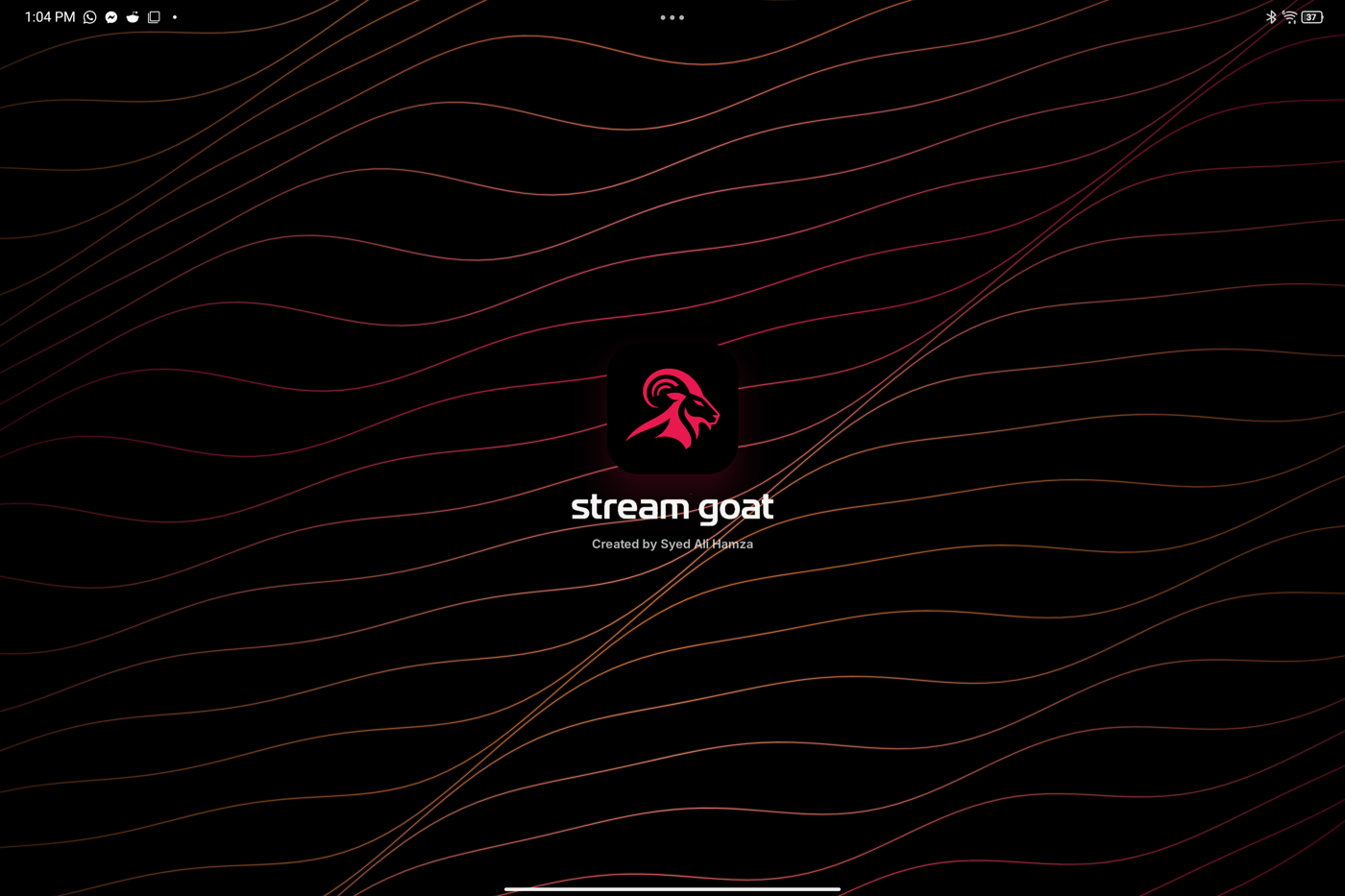
The goat on black in your accent colour (or rainbow), opening over glowing waves.
Frosted, readable panels with light rims and a blurred top bar, like Apple's liquid glass.
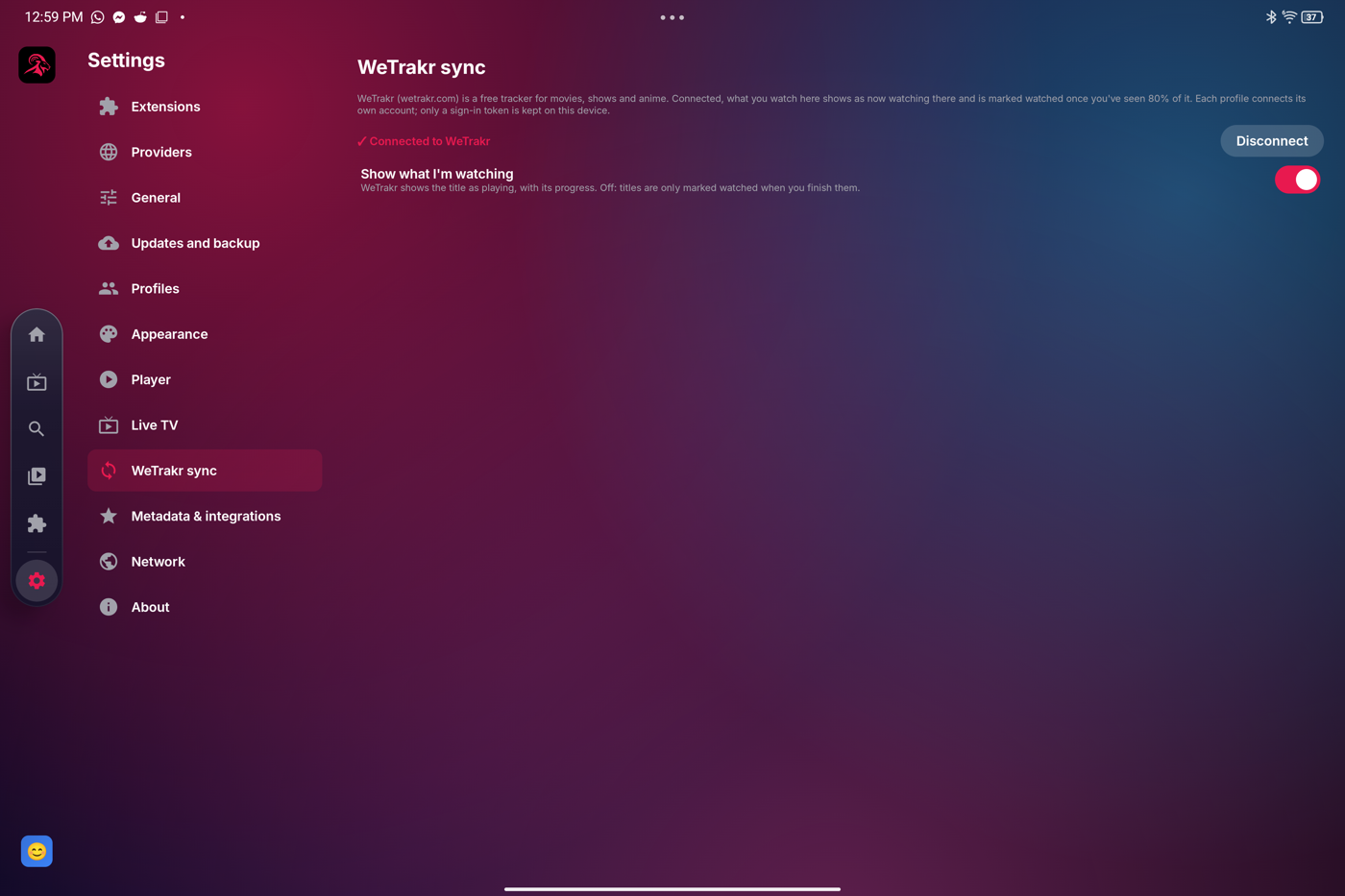
What you watch shows as now watching, and is marked watched at 80%. Each profile has its own account.
Shake the phone or press F12: a filled-in GitHub issue with a screenshot. Crashes are caught and offered next time.
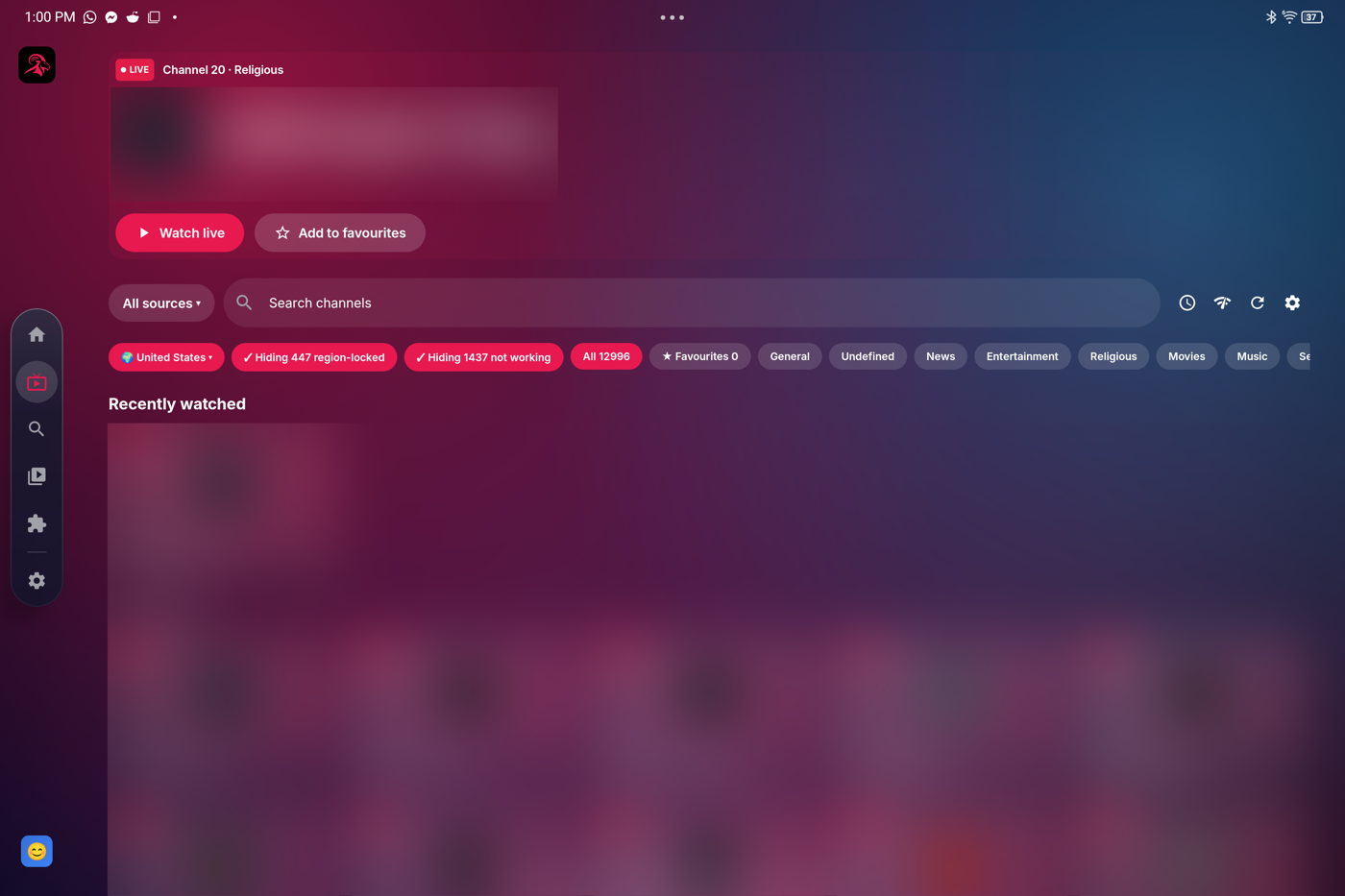
Free channels by country, region-lock detection, and a check that hides channels with broken links.
Size, colour, background and position, plus subtitle and audio sync, right in the player.
Find on TMDB crash fixed, restore brings extensions back, sources stay in portrait, smoother phone bar.
The same app and the same look on every device.
Everything backed up to your own Google Drive automatically, and restored on any device. The app only sees the files it made.
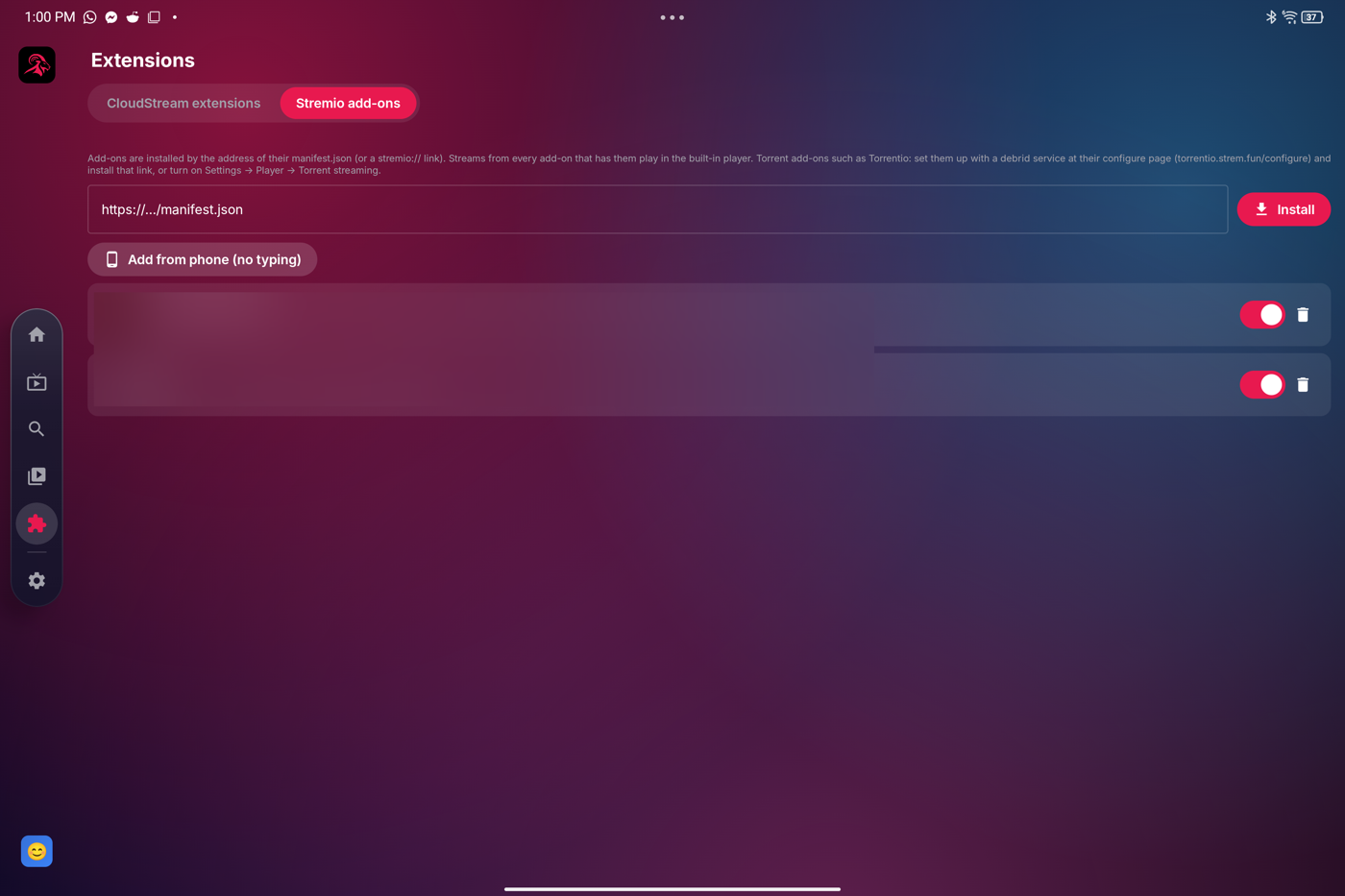
Send links to your TV by scanning a QR code: Stremio add-ons, CloudStream repositories and Live TV playlists.
Add CloudStream repositories and Stremio add-ons by link, exactly as in the official apps.
Titles drop down as you type; arrow keys and Enter pick one.
Into 24 languages, including Hindi, Urdu, Chinese, Arabic, Spanish and French, keeping every line's timing.
On Windows and Linux, low-resolution animation is enlarged with Lanczos, so line art stays crisp instead of soft.
Real HDR10, HLG and Dolby Vision on HDR Android screens; colour correction for HDR on desktop.
M3U playlists with a TV guide, Xtream Codes logins and Stremio TV add-ons. YouTube, Twitch and Dailymotion channels play right in the app.
Like a download manager: 8 connections at once, the source and quality you choose, resume after pauses, with subtitles.
Skip intros, recaps and credits in anime, and a countdown to the next episode.
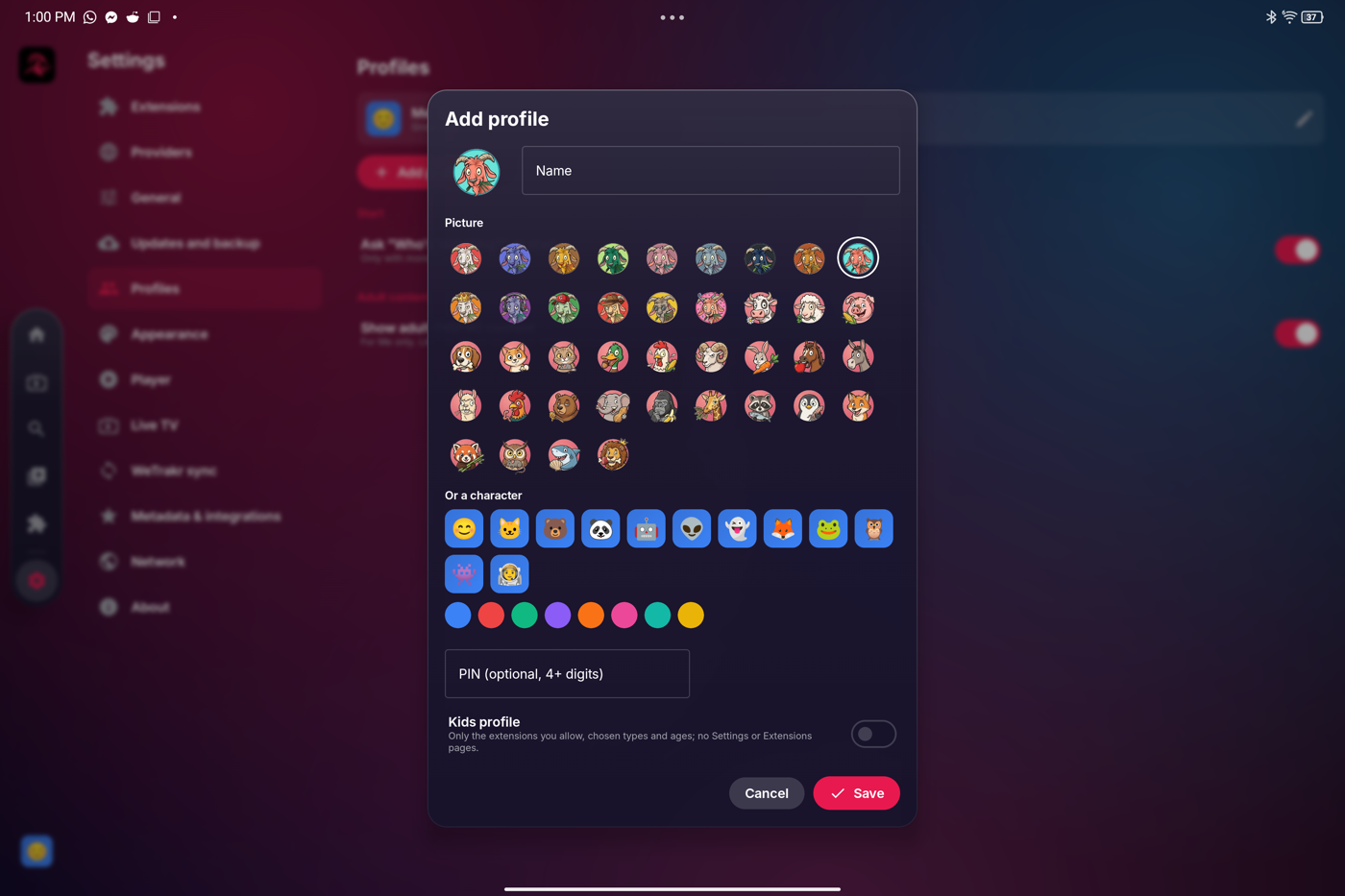
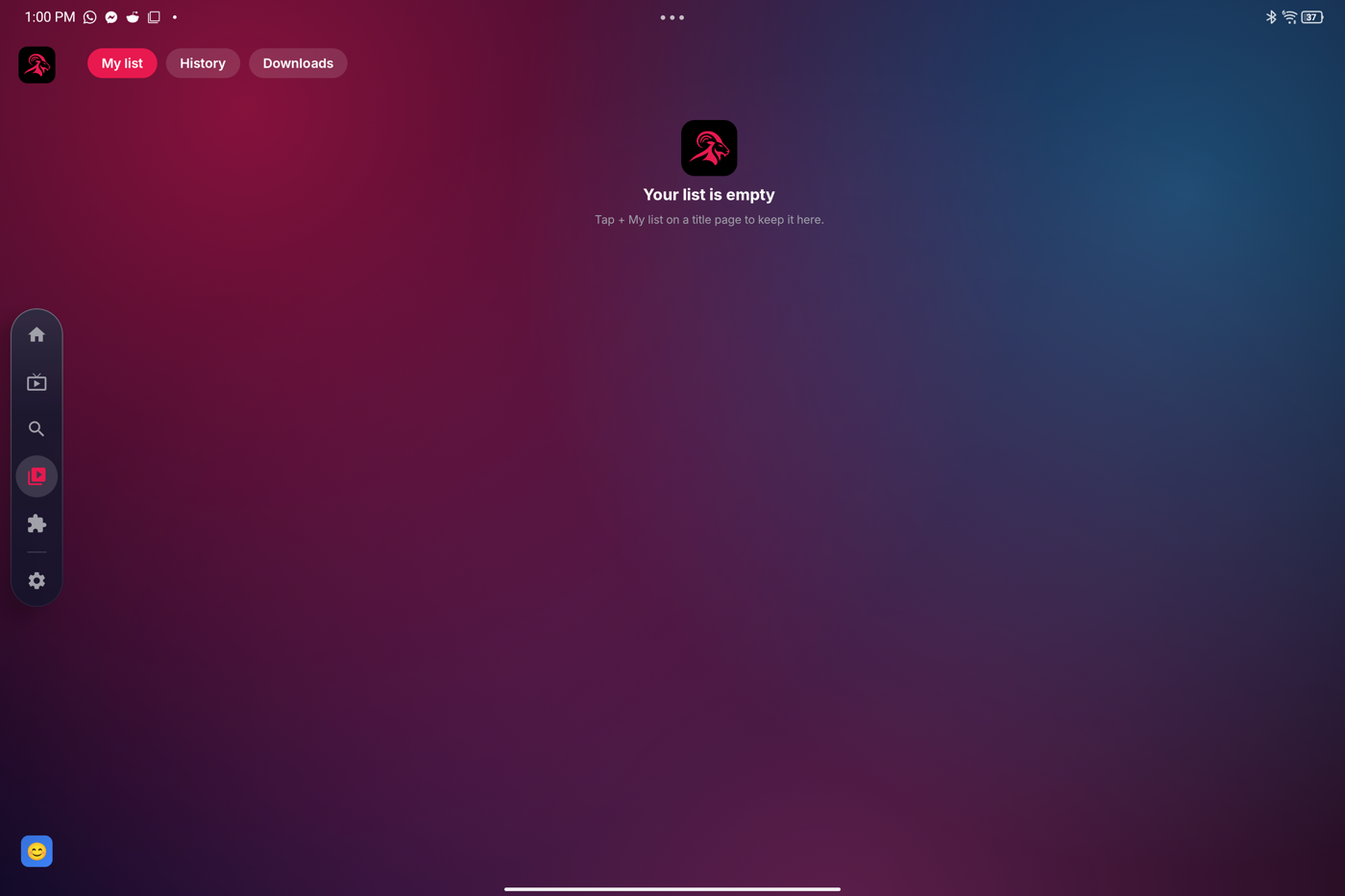
Everyone gets their own history and list; kids profiles with a parent PIN.
TMDB, IMDb and AniList ratings, cast, trailers and backdrops.
Plays almost any format, with source switching, online subtitles, audio languages and zoom.
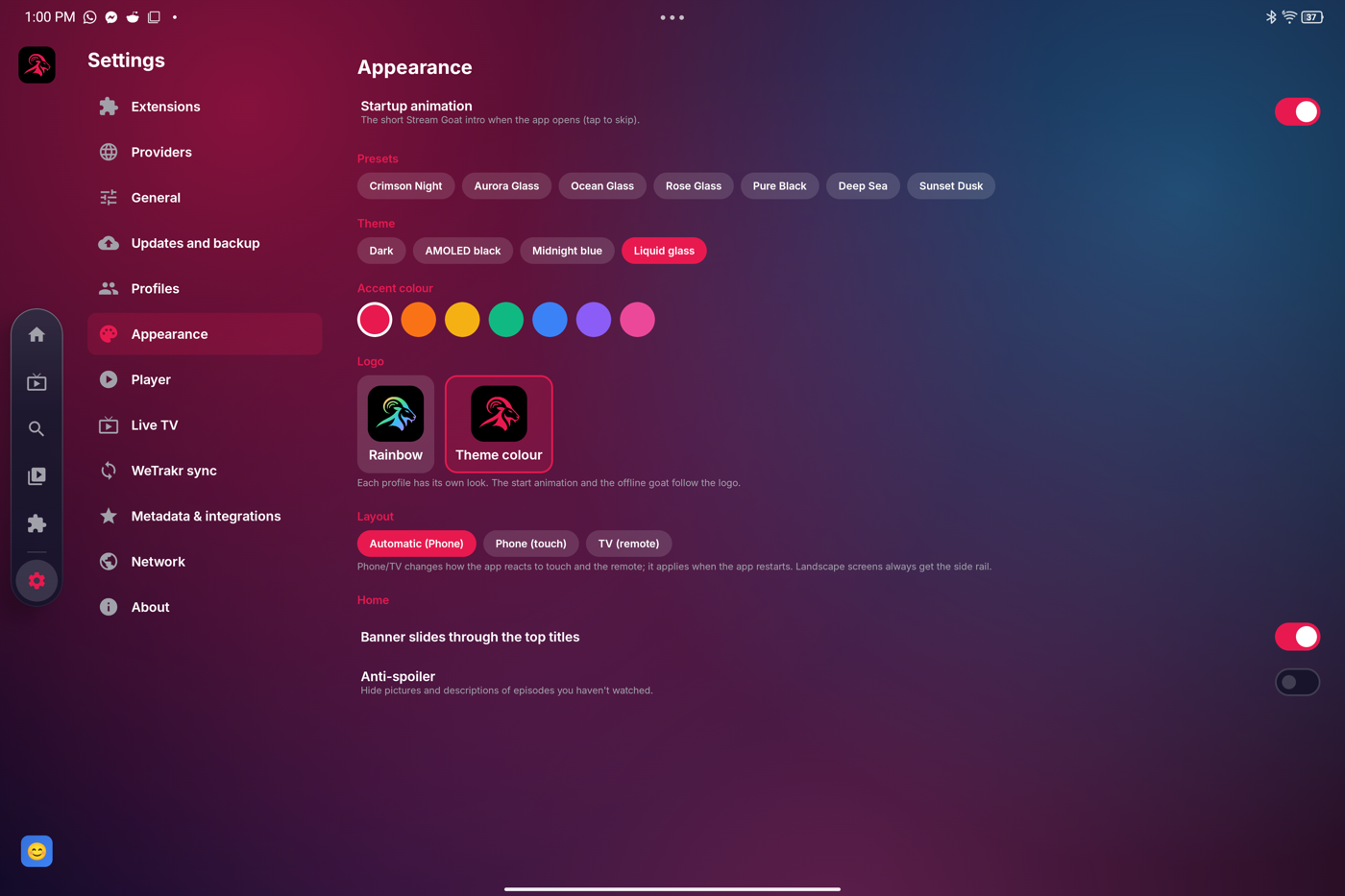
Liquid glass, dark, AMOLED and light themes, any accent colour, and your own wallpaper. The goat logo in rainbow or your colour.
Goats in nine colours, a king, a DJ, a cowboy and more, plus 25 animals.
From the Windows and Linux app. Tap a picture to see it bigger.
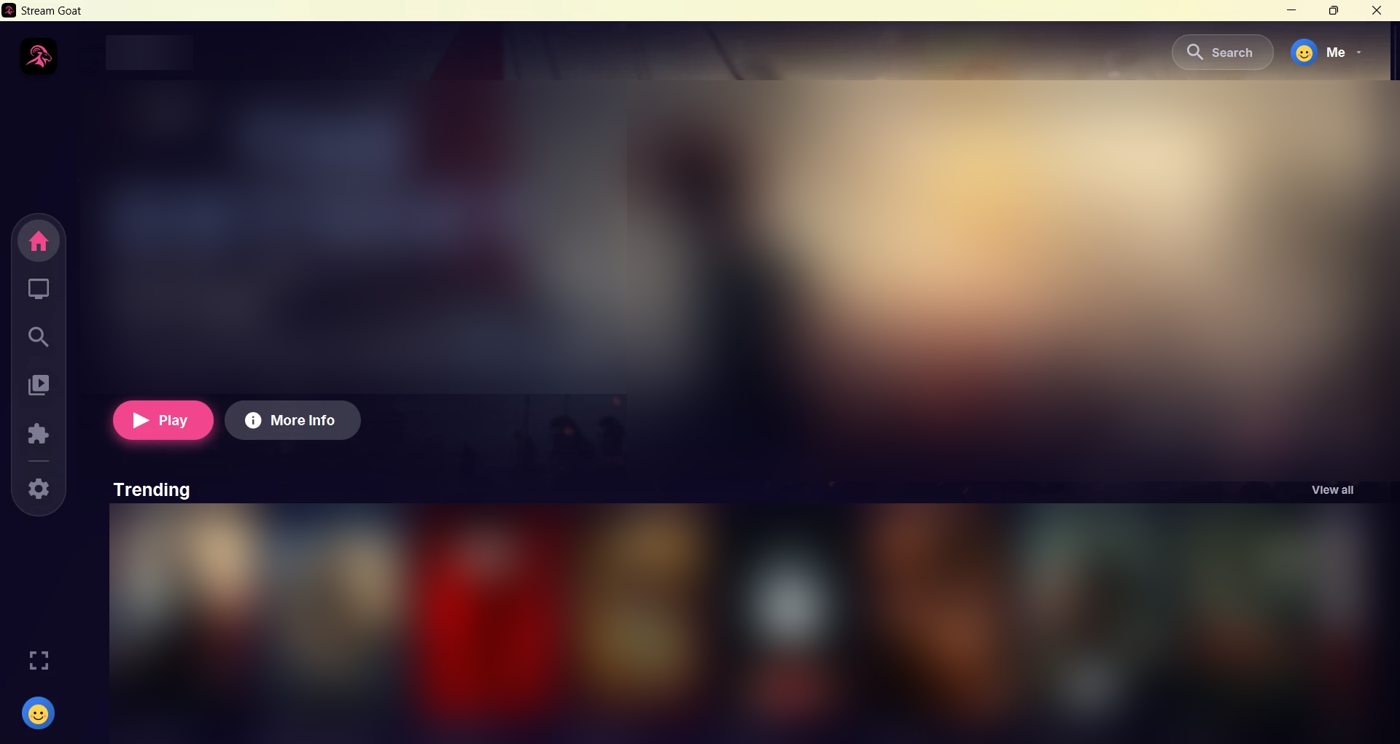
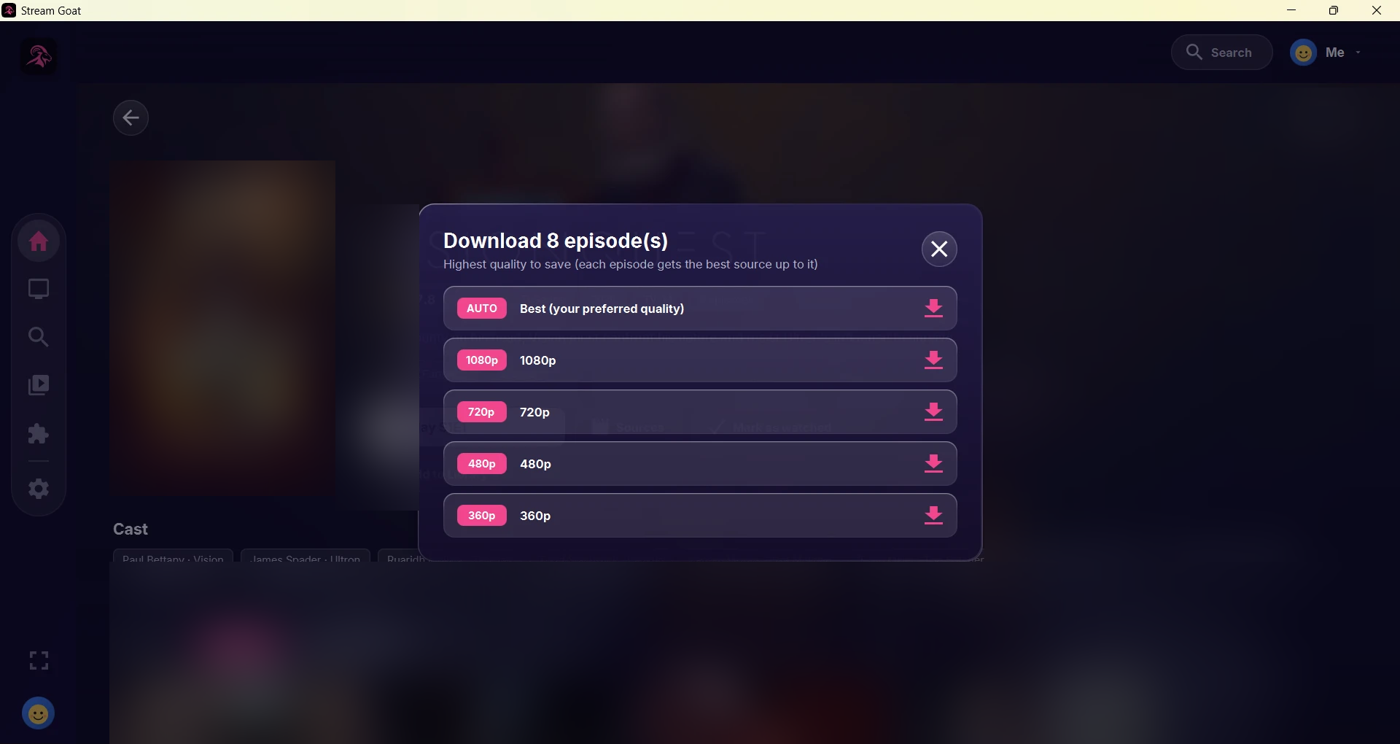
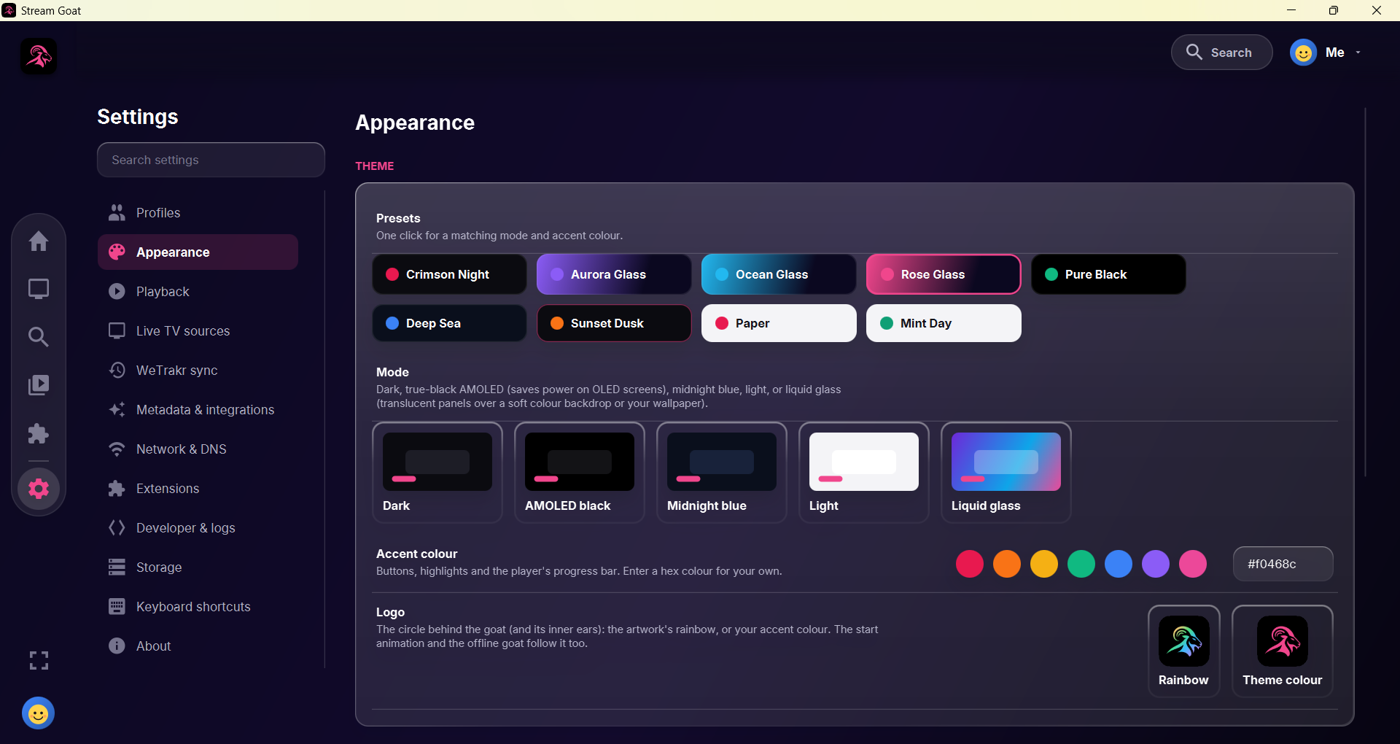
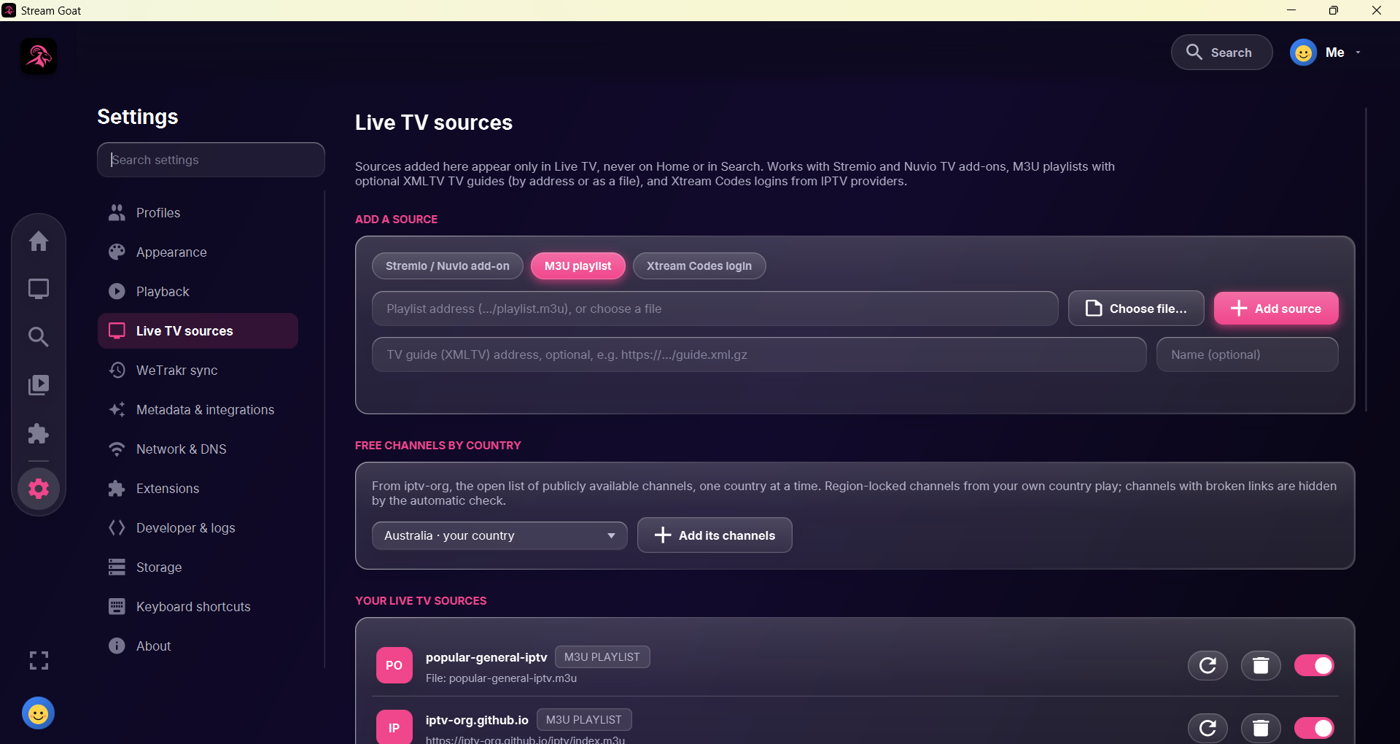
The web version runs on any phone or computer, including iPhone and iPad, with Stremio add-ons: Continue Watching, a full player (subtitles, audio, speed), automatic backups in your browser and Google Drive sign-in.
Open the web versionStream Goat is free, with no ads and no tracking, and made in my spare time. If you enjoy it, a coffee helps keep the updates coming. Thank you! 🐐
Questions, ideas or something not working? Come and chat on Discord.